Below is the step-by-step process on how to delete a File or Folder on a Mac OS computer (NB: a Mac OS can be MacBook Pro or MacBook Air etc):
Let us say we have a file and folder on "Desktop" on your computer screen.
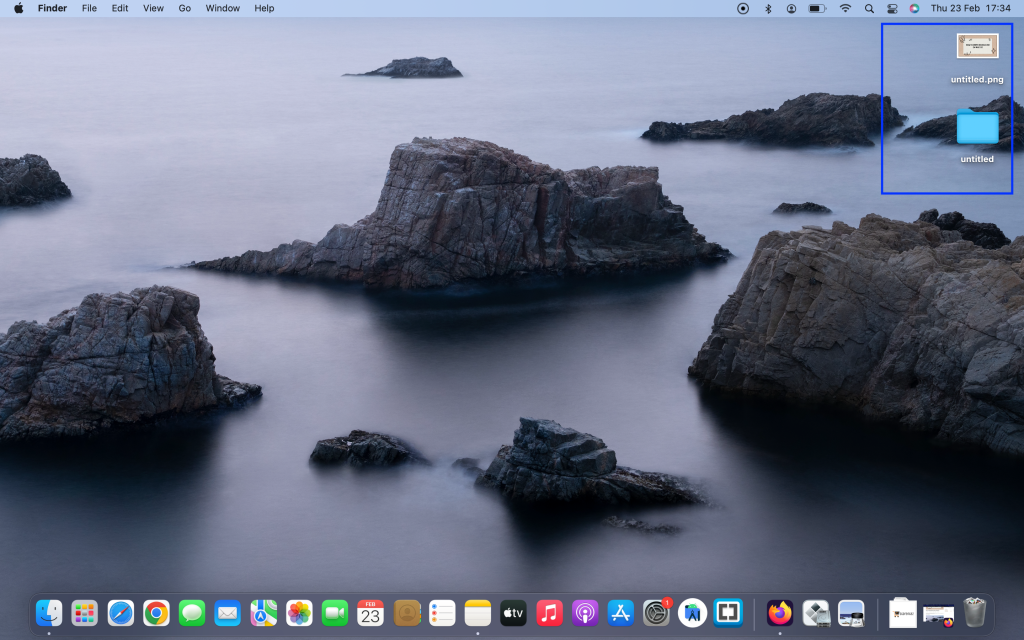
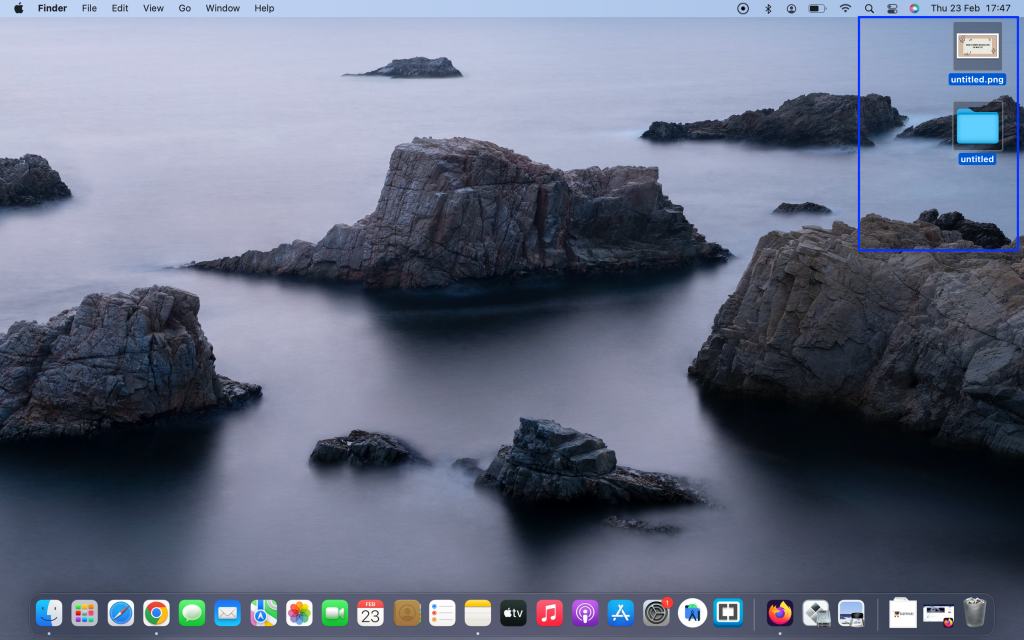
Select the Folder And/Or File you want to delete.
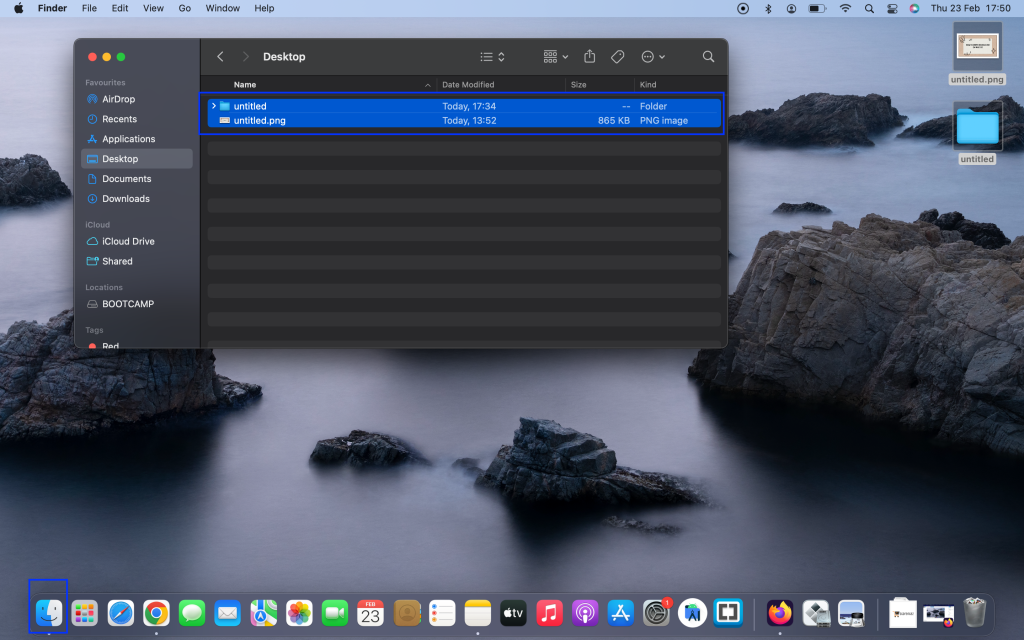
Or select them in "Finder".
You can Control-click (Press and hold the Control key while you click an item) or use 2 fingers to click at the same time on the trackpad.
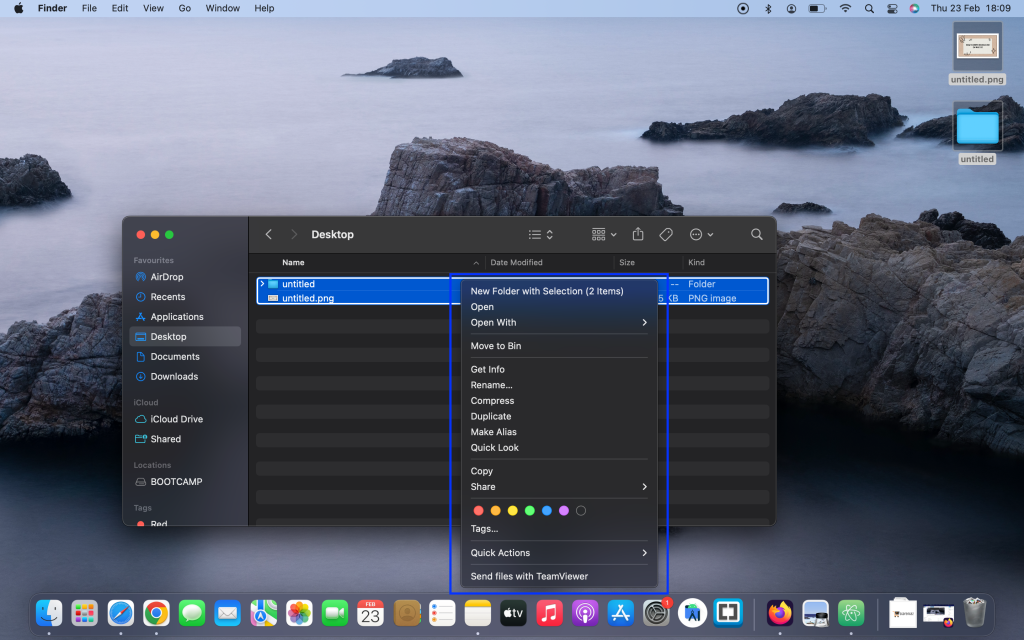
Then click "Move to Bin".
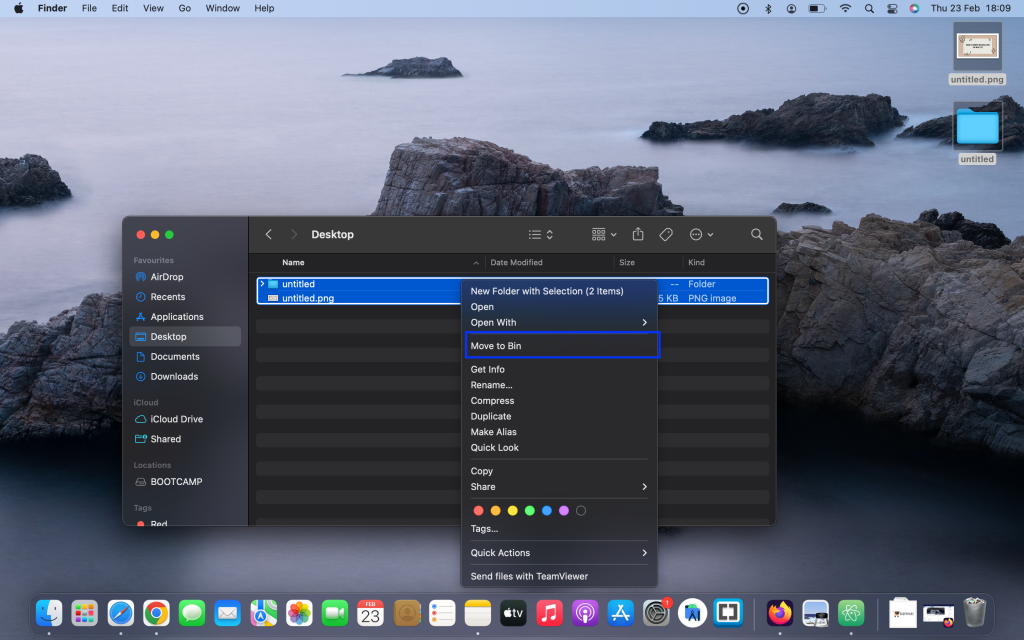
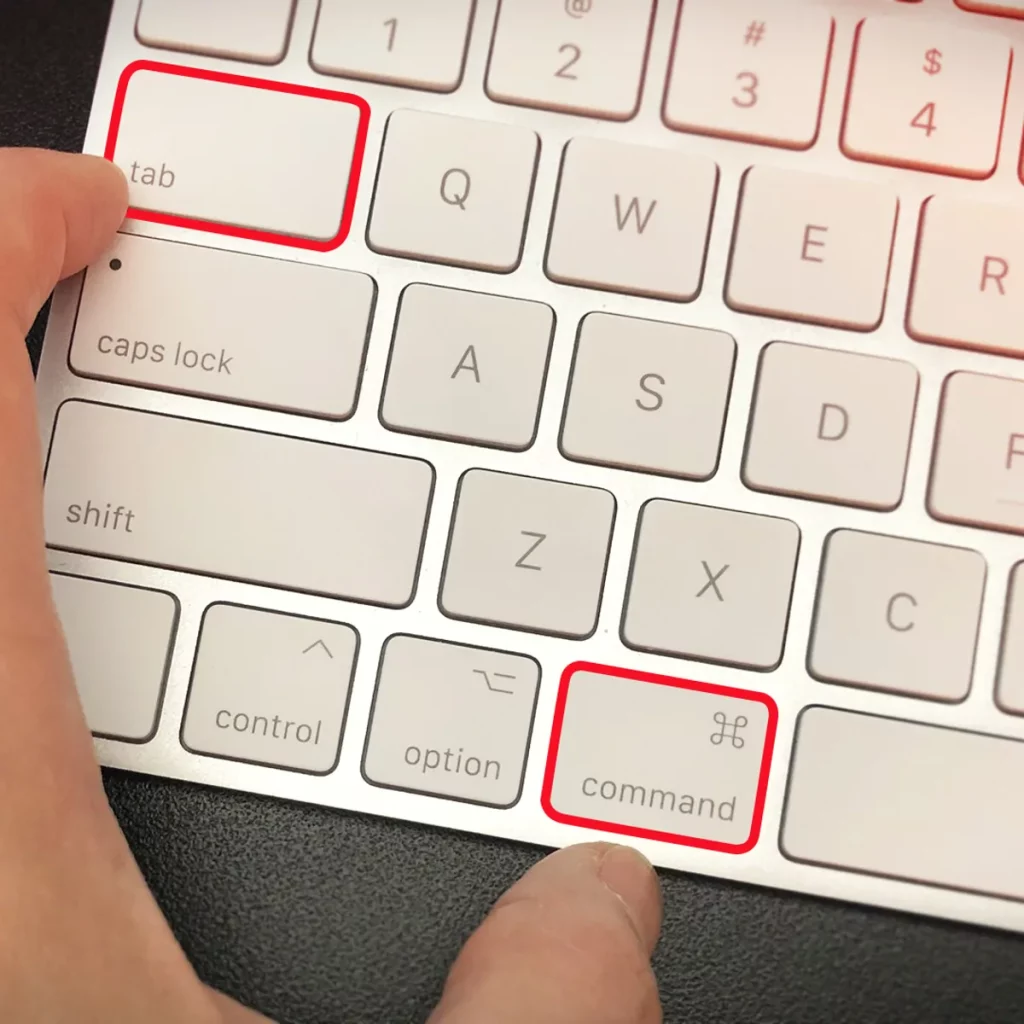
Then it's deleted that is moved to Bin; You can also use "Command + D".
To delete the file permanently from Bin simply Click Here